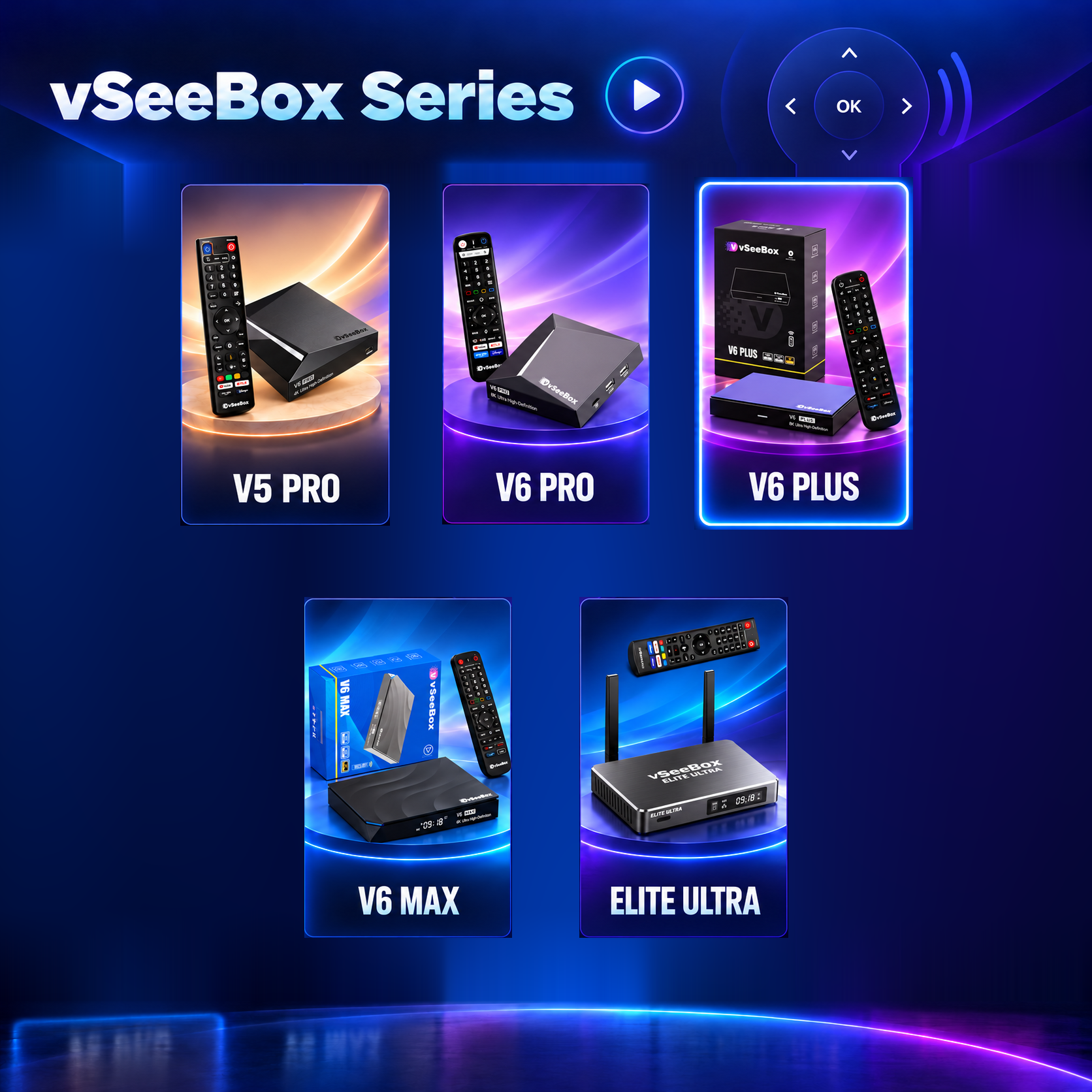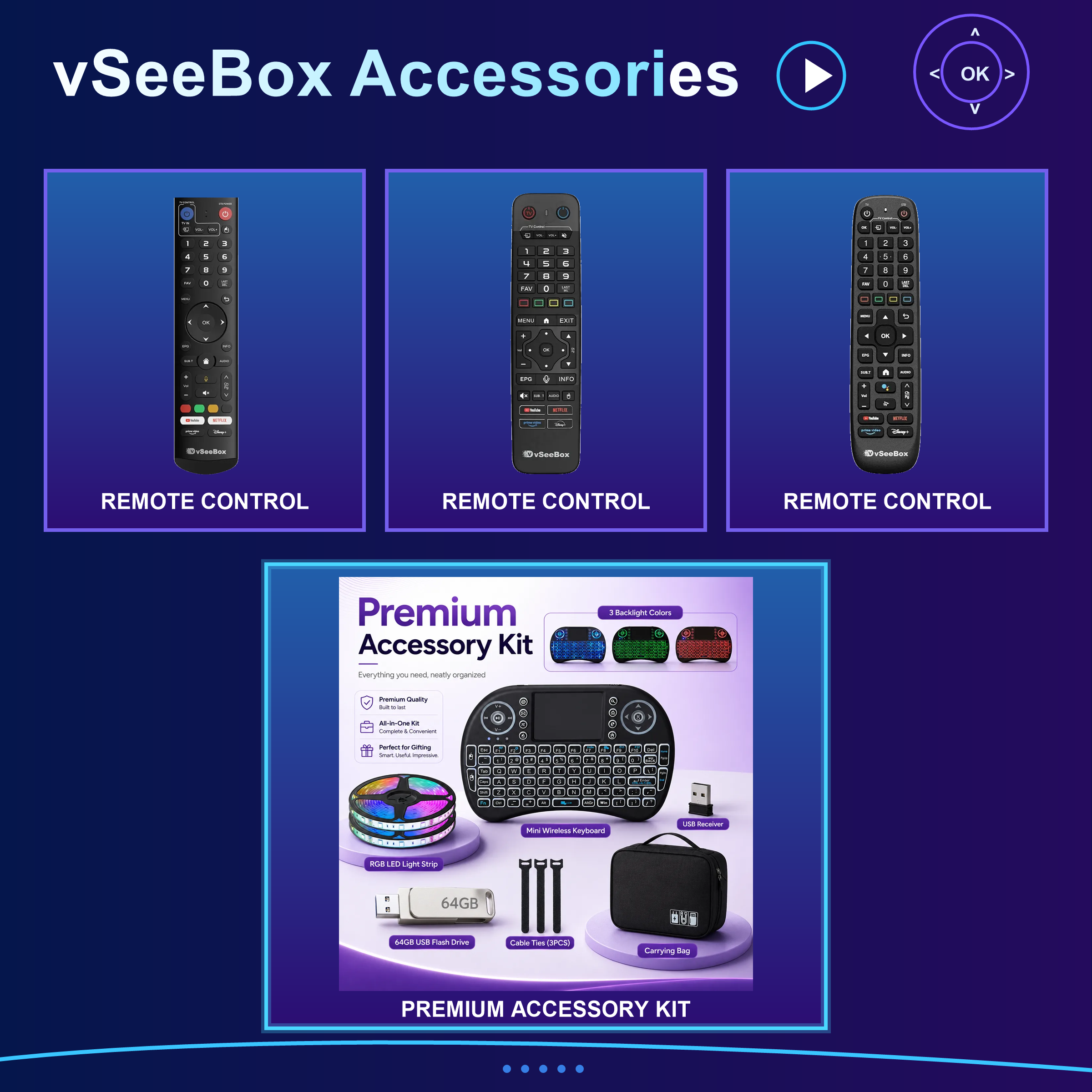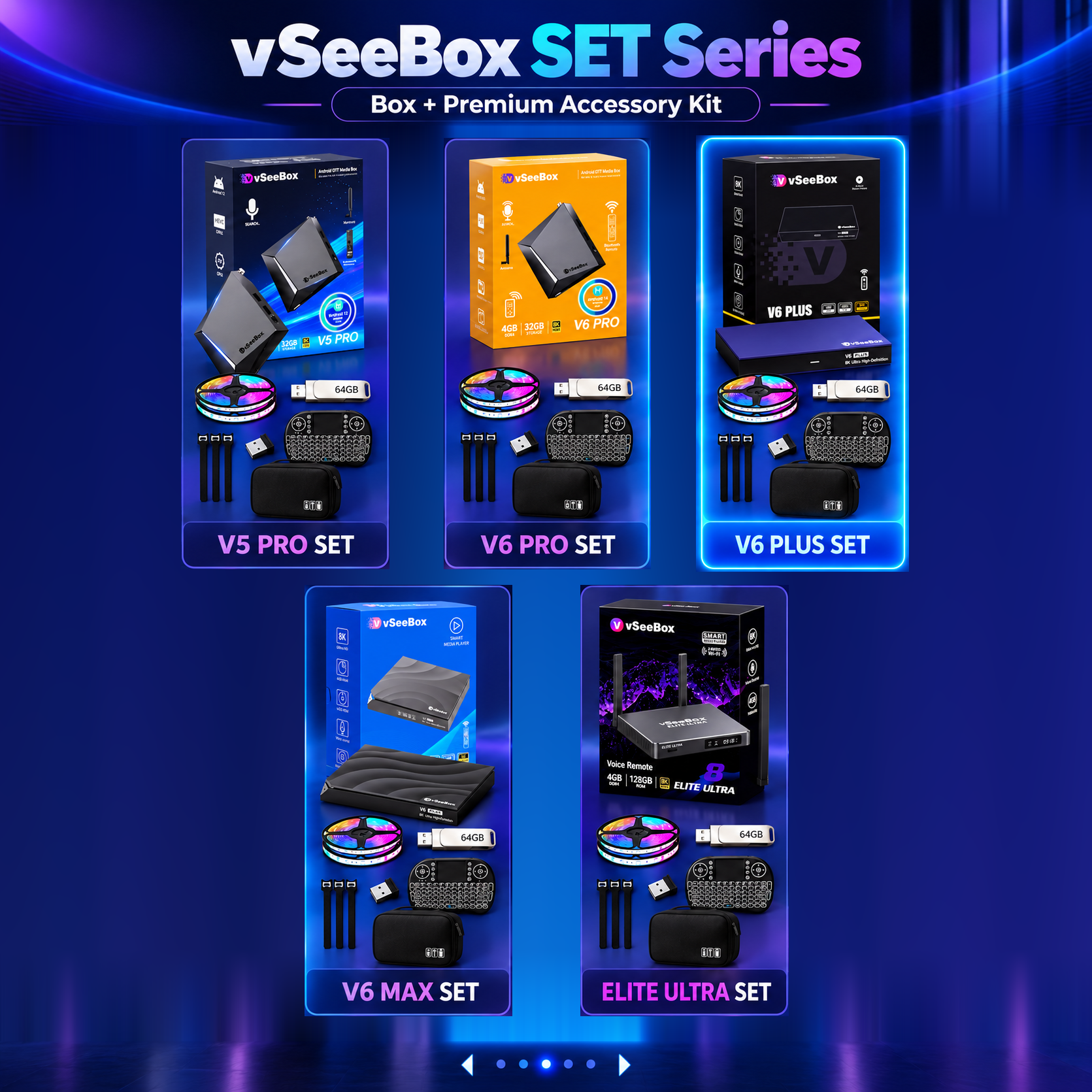

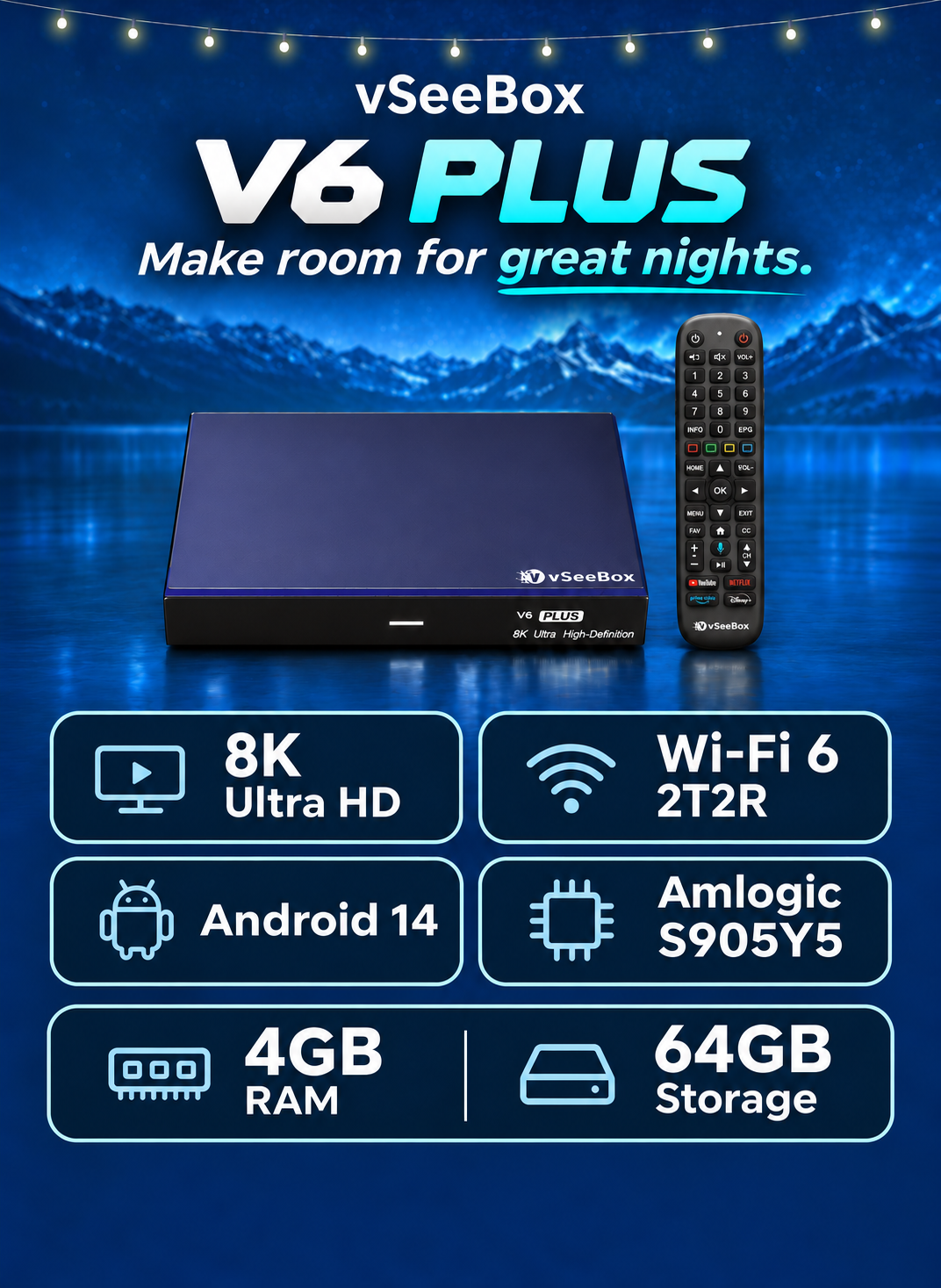

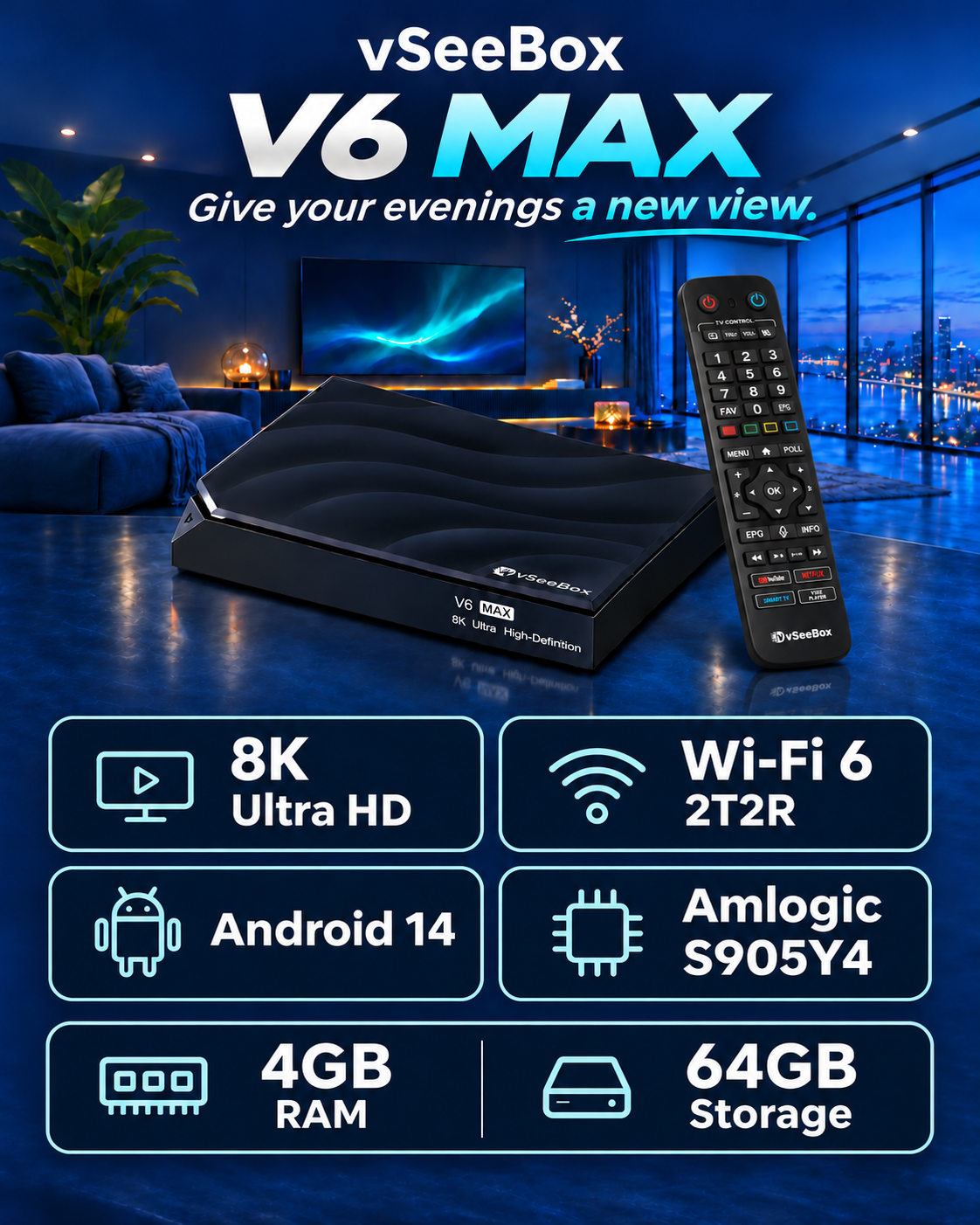

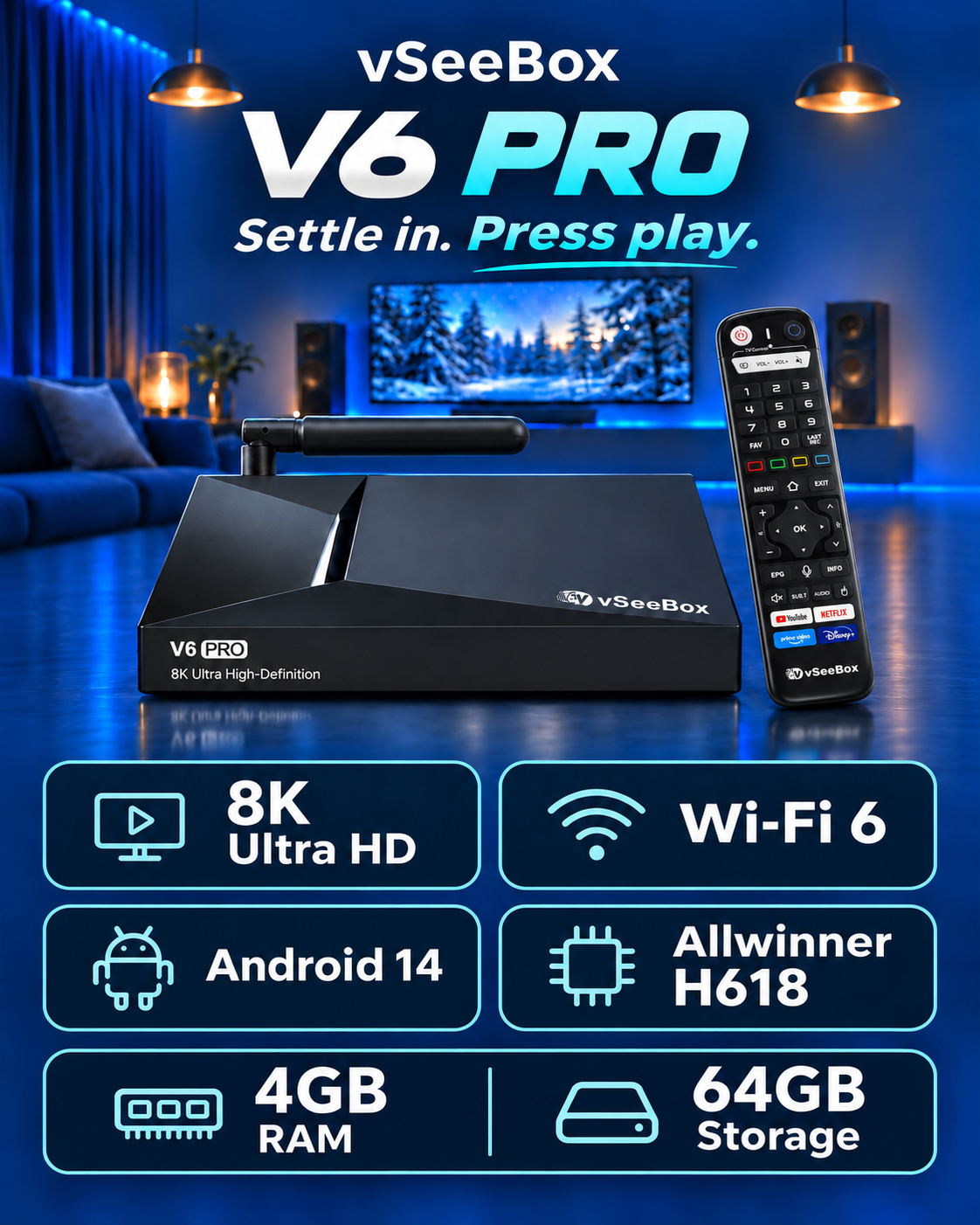

V6 PRO
More storage and power for a smoother experience.
 32GBROM
 Allwinner H618CPU
 6KVideo
 1-YearHardware Warranty
 EasySetup
 30-DayReturn Window
 Trusted SupportHere when you need us
--FIND YOUR VSEEBOX--
More storage and power for a smoother experience.
32GBROM
Allwinner H618CPU
6KVideo
Premium setup for the complete experience.
64GBROM
Cortex-A35CPU
8KVideo
Balanced performance for everyday use.
64GBROM
Cortex-A55CPU
8KVideo--COMPARE MODELS--
| Compare V6 Series |
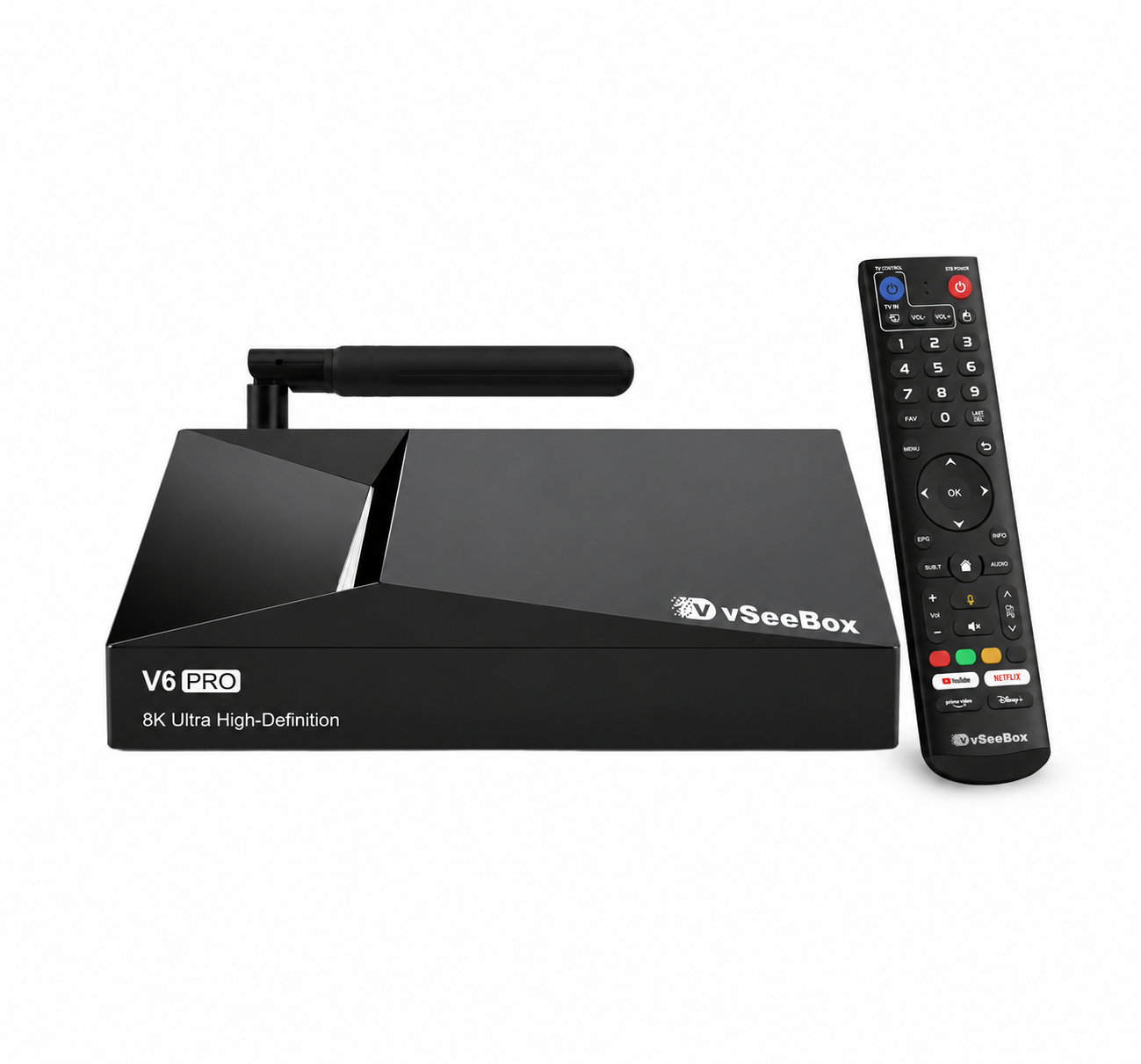 V6 PROSmart Value |
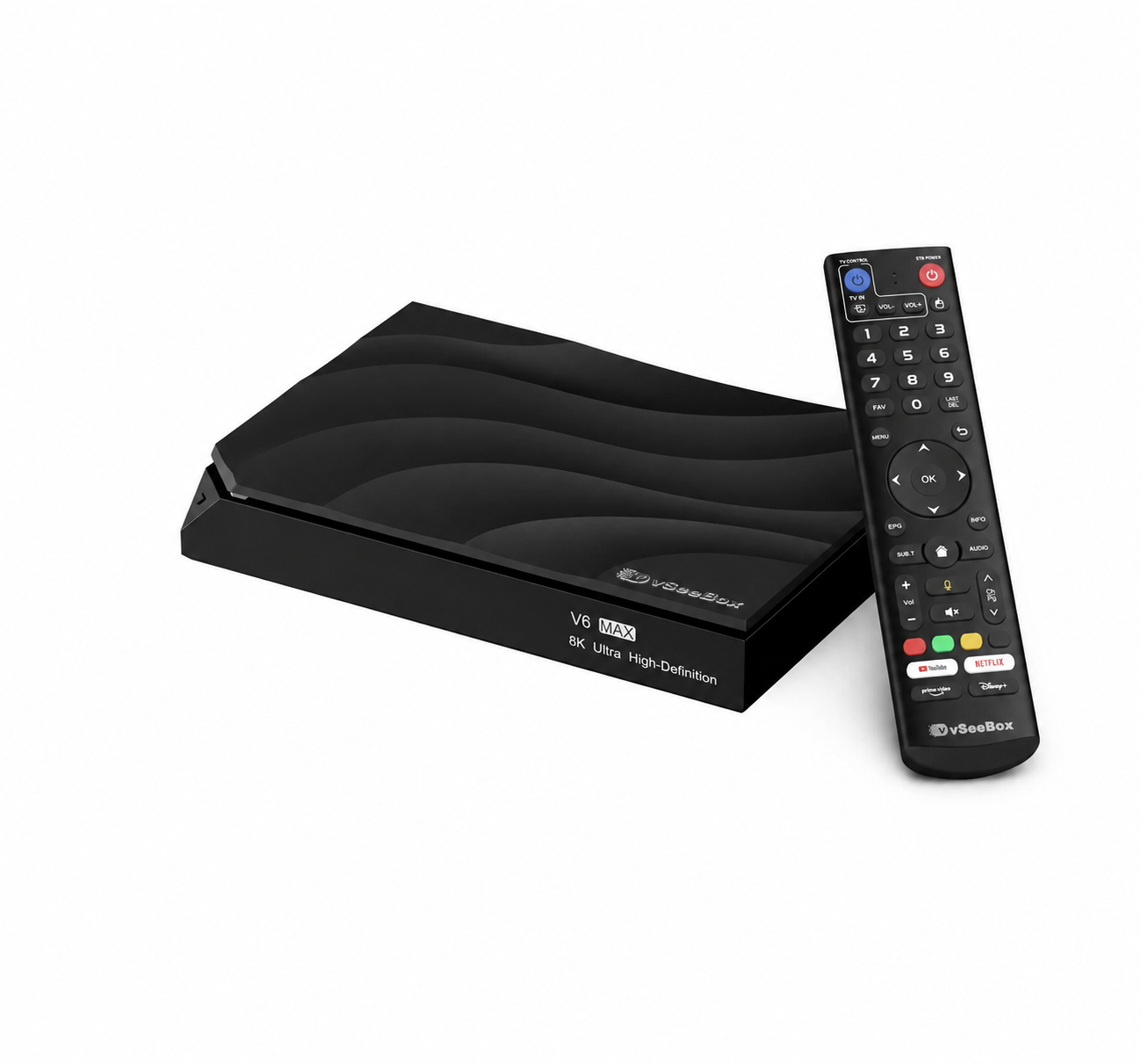 V6 MAXMost Popular |
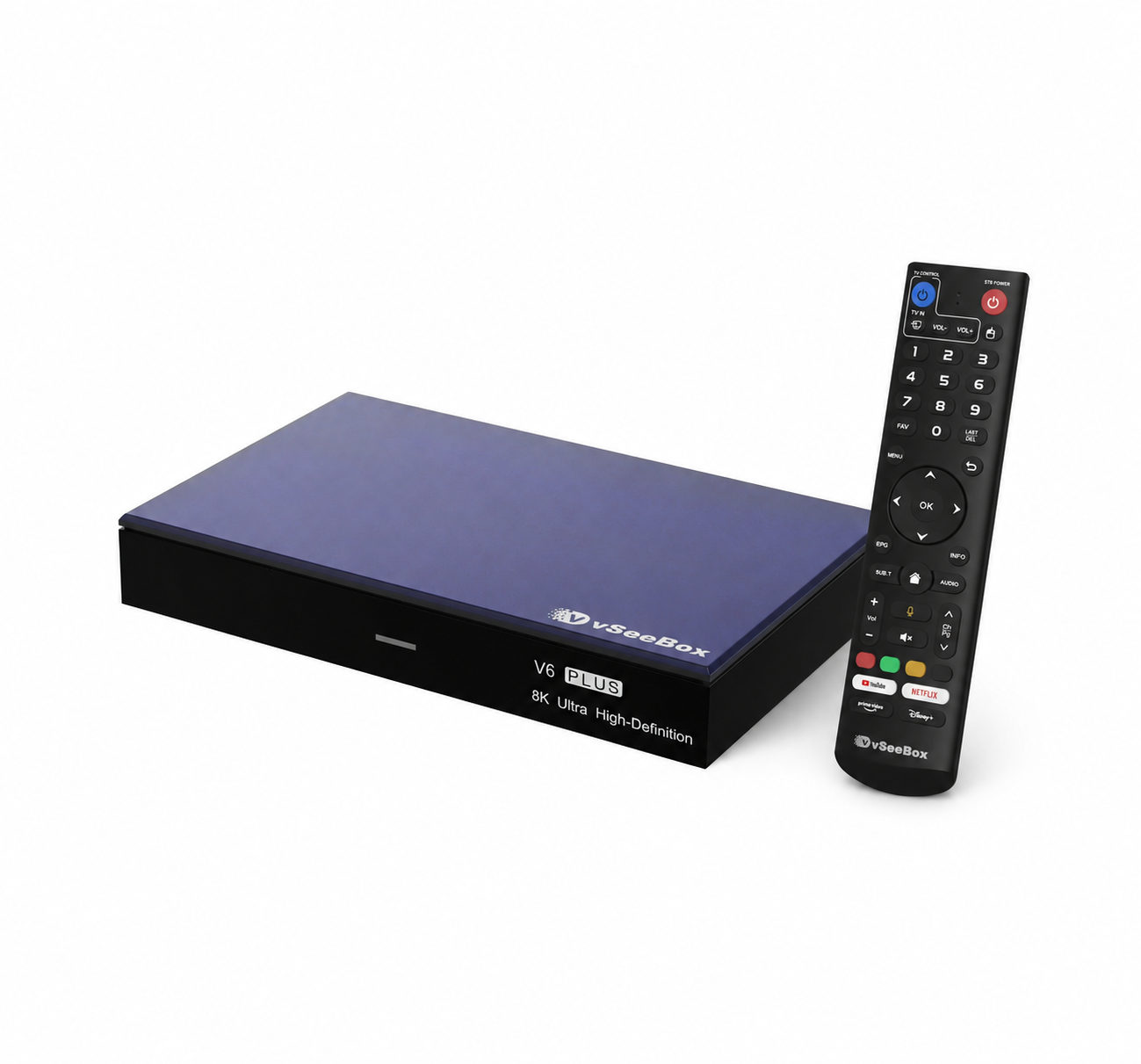 V6 PLUSBest Value |
|---|---|---|---|
 Price | $359 | $369 | $389 |
|
CPU | Allwinner H618 | Quad-core ARM Cortex™-A35 | Quad-core ARM Cortex-A55 |
 RAM | 4GB | 4GB | 4GB |
|
Storage | 32GB | 64GB | 64GB |
|
Video | 6K Ultra 60FPS | 8K Ultra 60FPS | 8K Ultra 60FPS |
 Operating System | Android 14 | Android 14 | Android 14 |
 WIFI | Wi-Fi 6 | Wi-Fi 6 | Wi-Fi 6 |
 Ideal For | Everyday users | Power users | Families & premium setup |

--Why Choose Us--
vseeboxselect.com is an officially authorized vSeeBox distributor, providing genuine products, warranty assistance, technical support, and after-sale service.
 Official verification vseebox.com/verification/
 Responsive supportHelp when you need it
 Free ShippingFast and Secure Delivery
 Protected purchaseWarranty and returns
--Why VSeeBox?--
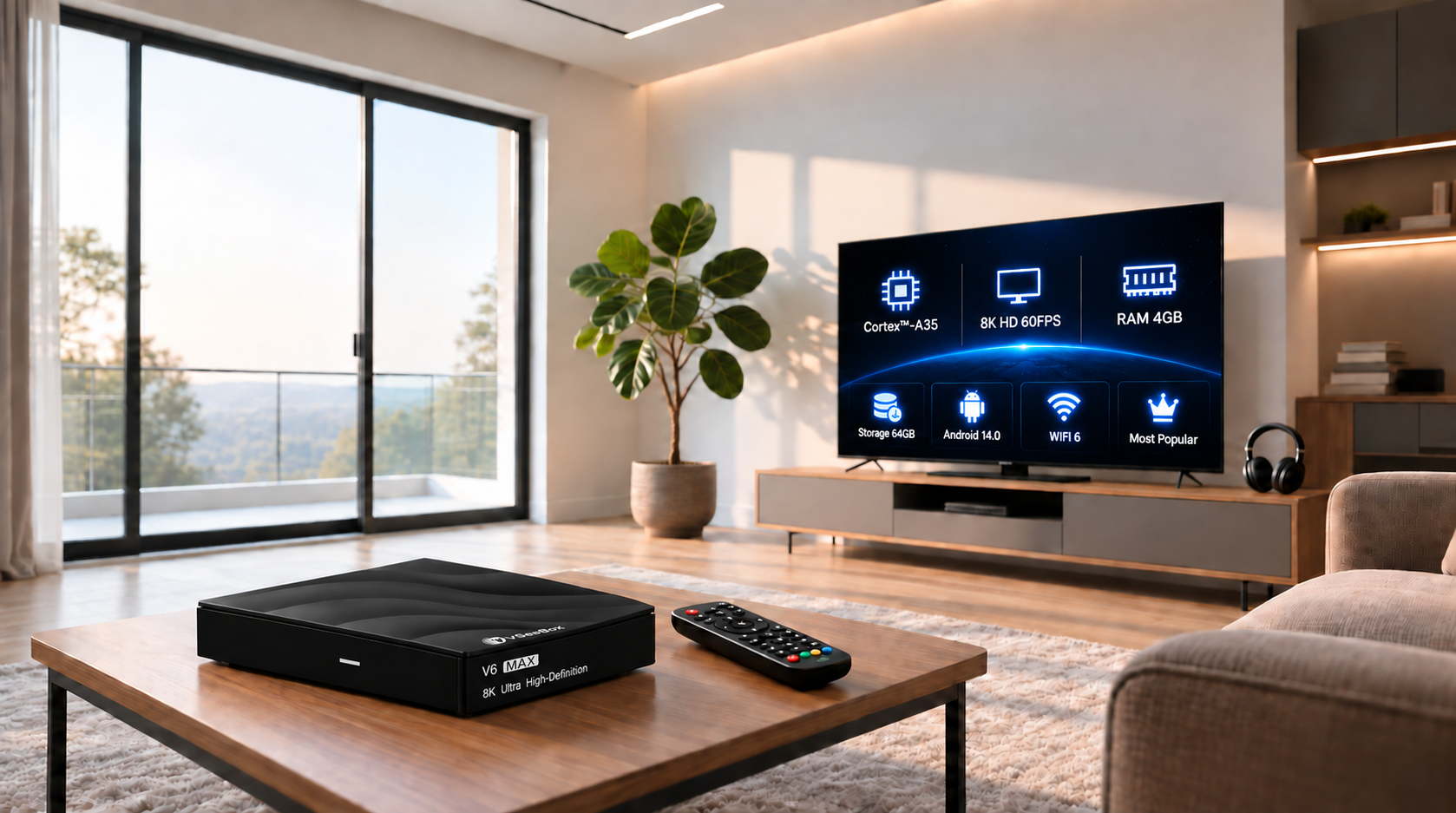
Own the hardware and build a simpler entertainment setup around the apps you choose.
Learn more →
Fast, familiar and easy to connect to the TV in your living room.
Learn more →
Movies, sports and family nights come together in one polished experience.
Learn more →--HOW IT WORKS--

Connect your VSeeBox to the TV with the supplied HDMI and power cables.

Follow the on-screen prompts to connect to your home internet network.
Open your favorite apps and enjoy entertainment on the big screen.
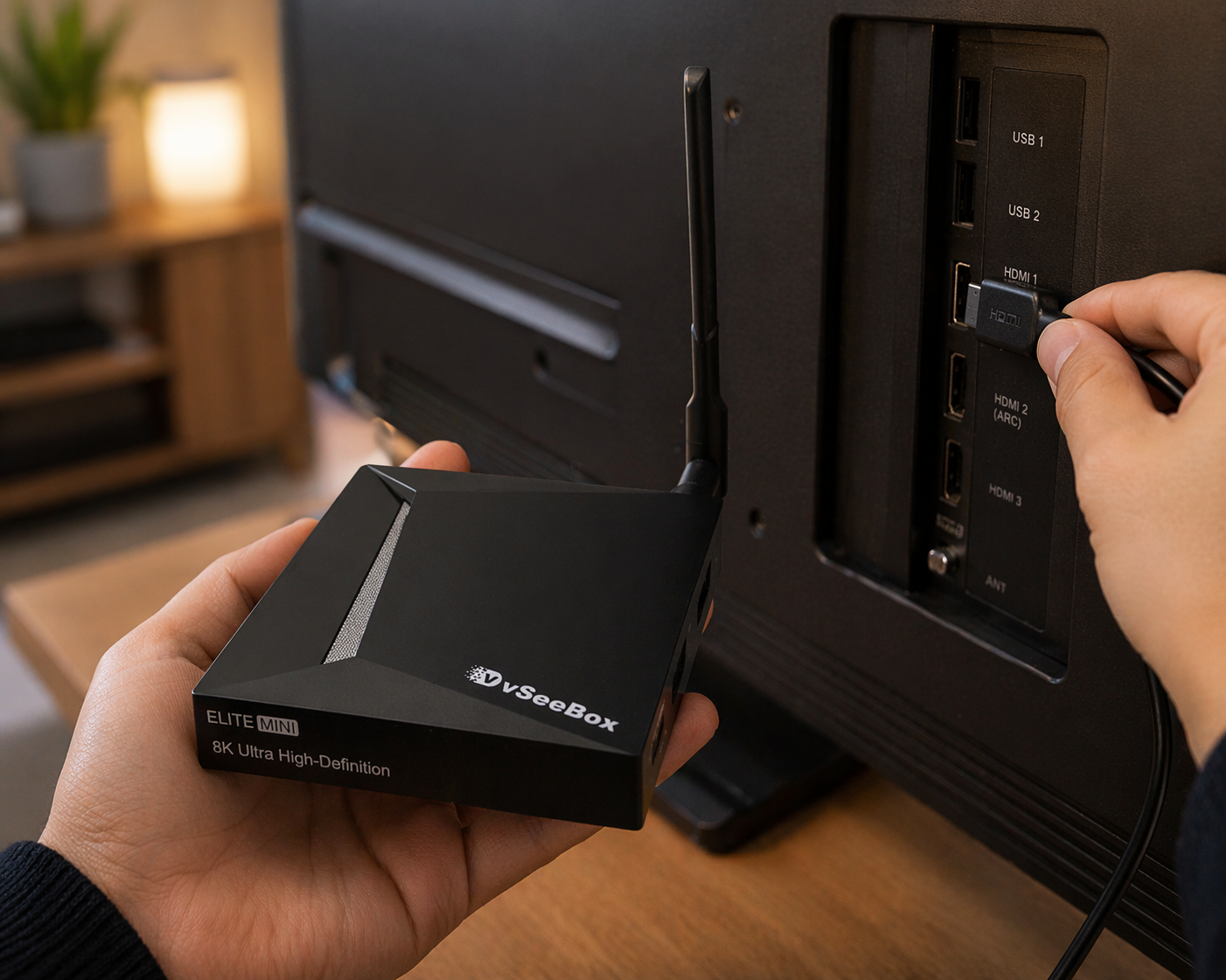 View setup guide →
loading